

Vision AI / Hotels & accommodation teams
Review hotel room presentation
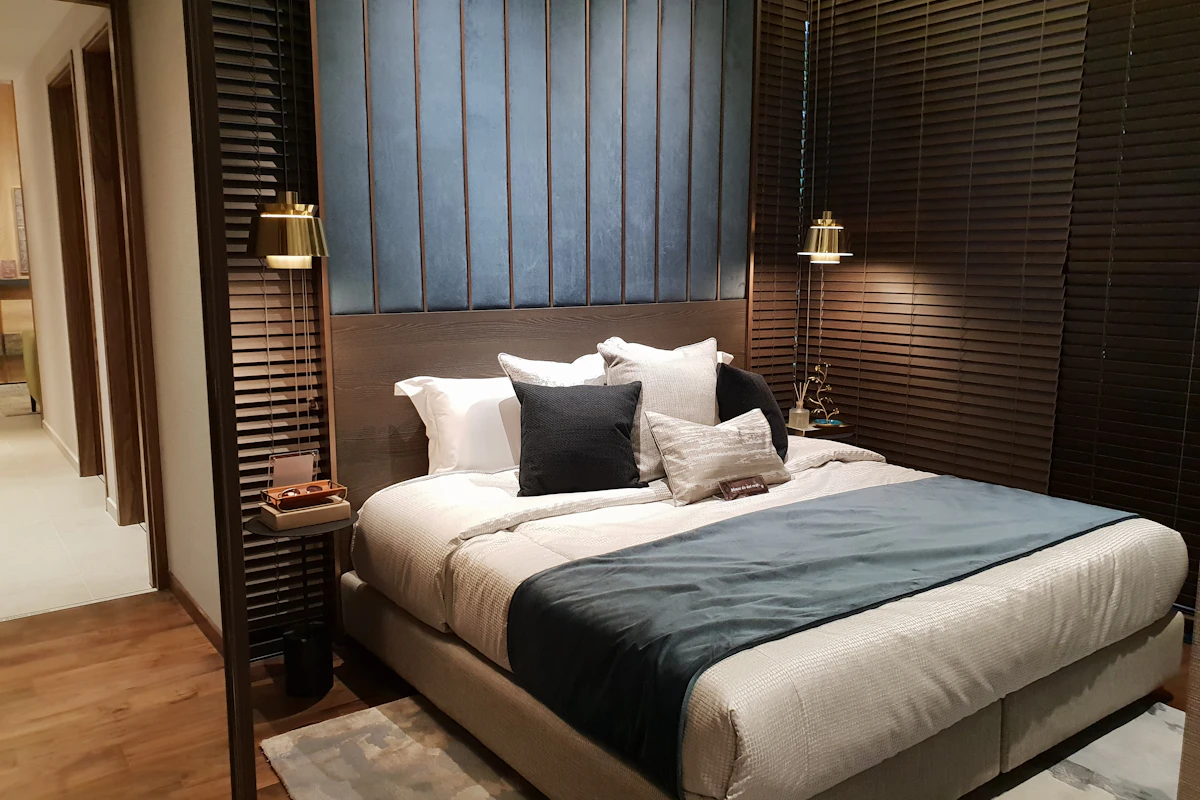
Use a room photograph to check visible bedding arrangement, clutter, and amenities against your presentation checklist.
Agent template: Room presentation
01 / The context
The business challenge
Room presentation standards can be difficult to communicate consistently across a team. Images help only when the requested checks are specific and the relevant parts of the room are in view.
02 / From input to review
How it works in Qvantus
- 01
Your input
A room image with the areas to review clearly visible, plus a checklist of presentation expectations.
- 02
The Qvantus workflow
Select Room presentation, provide the visible checklist, and run an advisory review with the local vision model.
- 03
The result to review
Review the observations and route any visible presentation issues to the responsible team member.
03 / A practical scenario
What this looks like in practice
Check whether the visible bed arrangement matches your instructions and whether specified amenities appear in the photograph.
04 / The value
Why it matters
Add a documented visual check to the room-preparation workflow. The photograph supports a presentation review; it does not establish hidden-surface cleanliness or whether the room is occupied.
What to measure in a pilot
Agreement with a supervisor's checklist and false reports of missing amenities.
Agree on the review criteria before the first run. Use representative examples and compare the output with a human-reviewed reference before expanding the workflow.
More Vision AI use cases
All use cases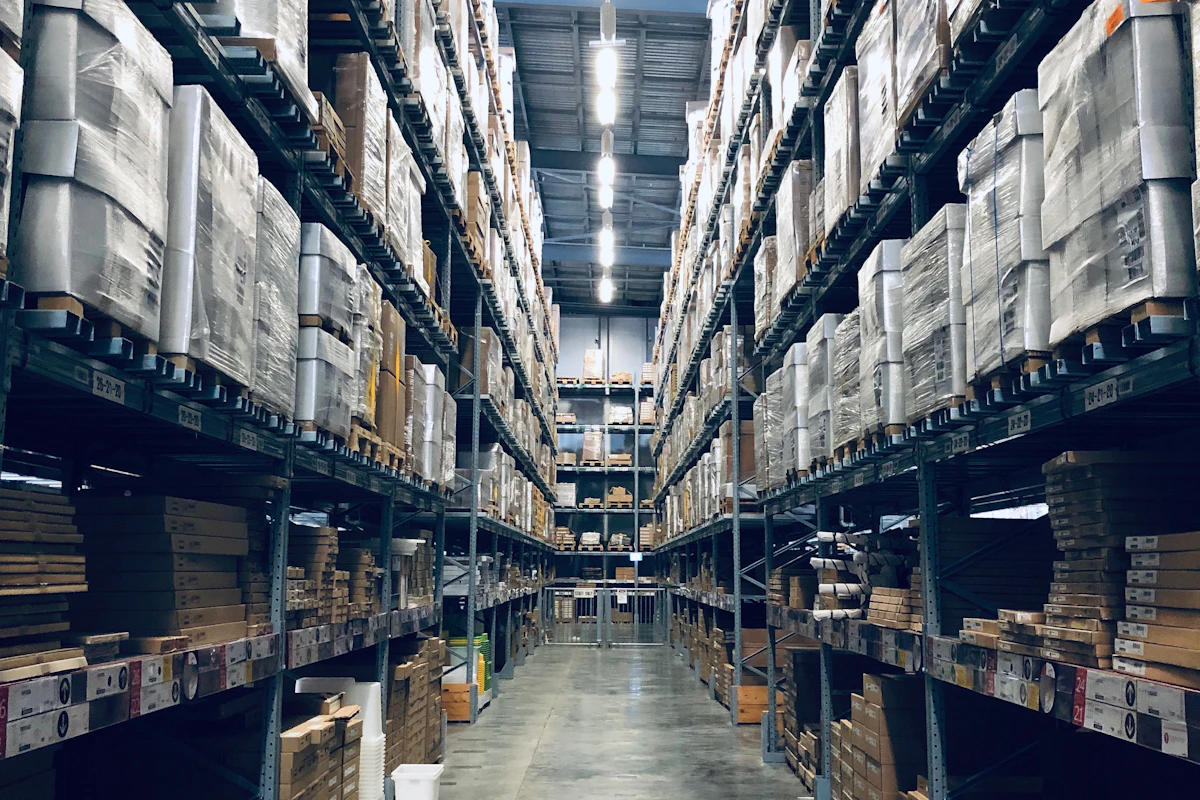
Inspect product quality
Turn product images into a repeatable visual inspection workflow, with detections your team can review.
Explore use case
Check shelves and displays
Check visible product counts in a selected shelf area and surface exceptions for store teams.
Explore use caseCount packages and pallets
Use visual counts to check a loading area, staging zone, or packing station against your own rules.
Explore use case