

Vision AI / Warehousing & logistics
Count packages and pallets
Use visual counts to check a loading area, staging zone, or packing station against your own rules.
01 / The context
The business challenge
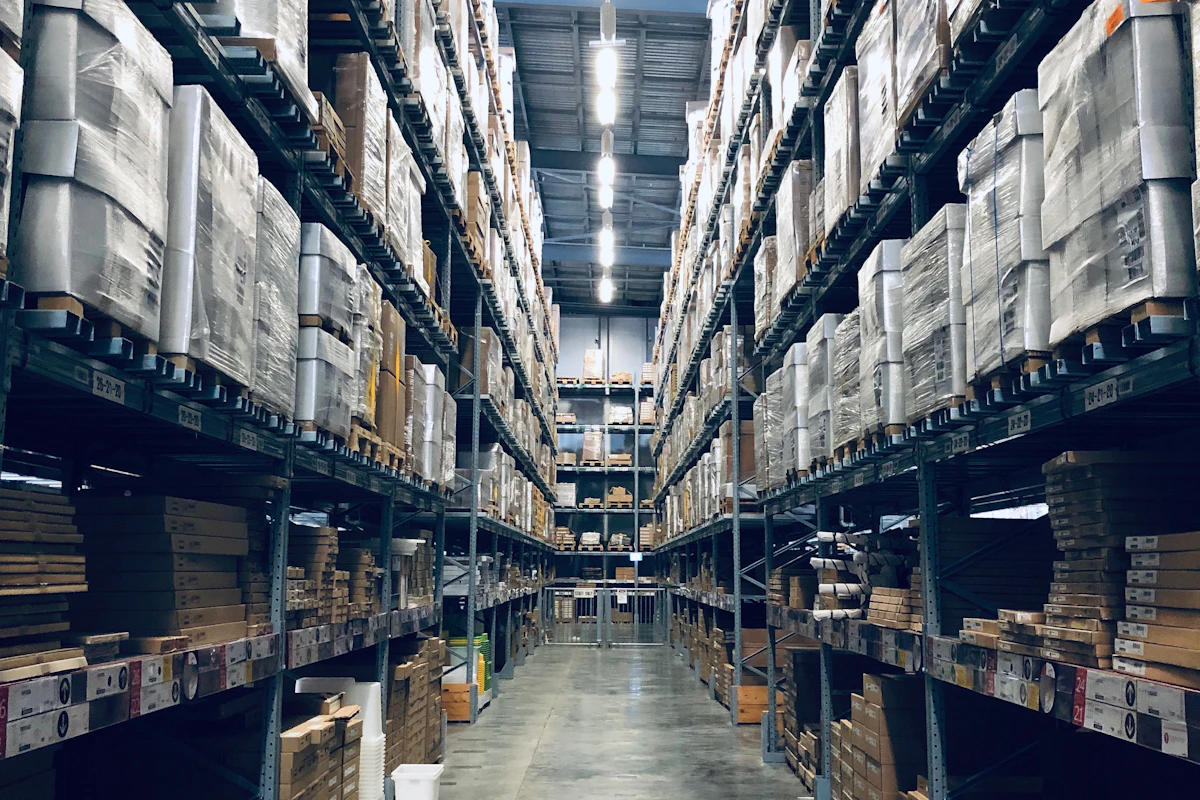
Packages moving through a staging area are hard to reconcile when the view changes or items overlap. A useful visual count needs a defined camera angle, object class, and expected range.
02 / From input to review
How it works in Qvantus
- 01
Your input
Images from the area and a compatible model for the packages, pallets, or containers being counted.
- 02
The Qvantus workflow
Limit detection to a chosen zone and set an expected count range in a Vision Agent.
- 03
The result to review
Inspect annotated results and out-of-range events alongside your operational records.
03 / A practical scenario
What this looks like in practice
Check whether a staging zone contains the expected number of visible pallets before dispatch.
04 / The value
Why it matters
Add an image-based checkpoint before a dispatch or handover. Keep the annotated result alongside the count so an operator can investigate differences instead of relying on an unexplained number.
What to measure in a pilot
Count differences against a manual check, especially for overlapping objects.
Agree on the review criteria before the first run. Use representative examples and compare the output with a human-reviewed reference before expanding the workflow.
More Vision AI use cases
All use casesInspect product quality
Turn product images into a repeatable visual inspection workflow, with detections your team can review.
Explore use case
Check shelves and displays
Check visible product counts in a selected shelf area and surface exceptions for store teams.
Explore use case
Monitor activity in a zone
Run scheduled checks for selected object classes in a defined camera area.
Explore use case