

Vision AI / Manufacturing & quality teams
Inspect product quality
Turn product images into a repeatable visual inspection workflow, with detections your team can review.
01 / The context
The business challenge
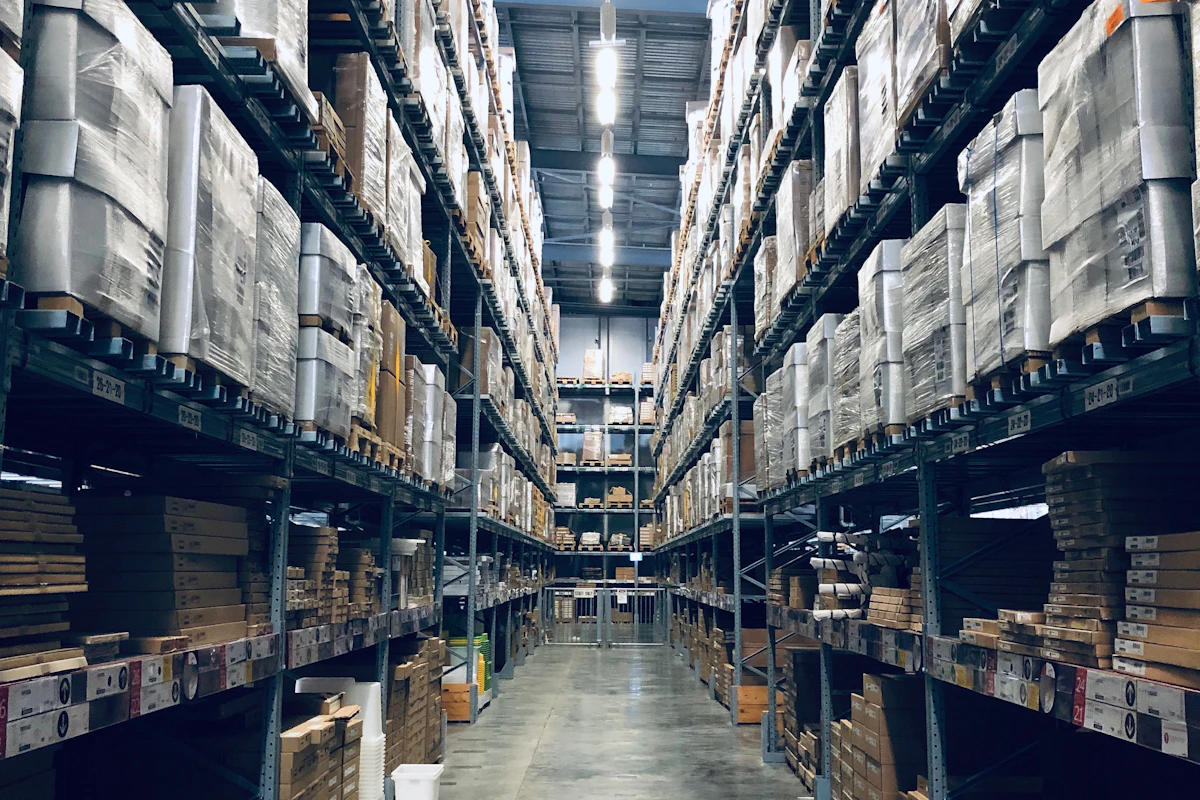
A visual inspection is only useful when your team knows what to look for. Different product variants, lighting conditions, and defect types can make an informal check difficult to repeat.
02 / From input to review
How it works in Qvantus
- 01
Your input
Product photos and labeled examples of the defects or objects you want to detect.
- 02
The Qvantus workflow
Train or select a compatible detector, choose the target classes, and set confidence thresholds for inspection runs.
- 03
The result to review
Review marked images and confidence scores before deciding which items need a closer inspection.
03 / A practical scenario
What this looks like in practice
Flag packaging damage for a quality reviewer using a model trained on your own examples.
04 / The value
Why it matters
Create a consistent first inspection step and give reviewers visual evidence for follow-up. Start with a clearly defined product class and defect category, then expand using reviewed examples.
What to measure in a pilot
Missed defects, false alerts, and reviewer agreement on a labeled sample.
Agree on the review criteria before the first run. Use representative examples and compare the output with a human-reviewed reference before expanding the workflow.
More Vision AI use cases
All use cases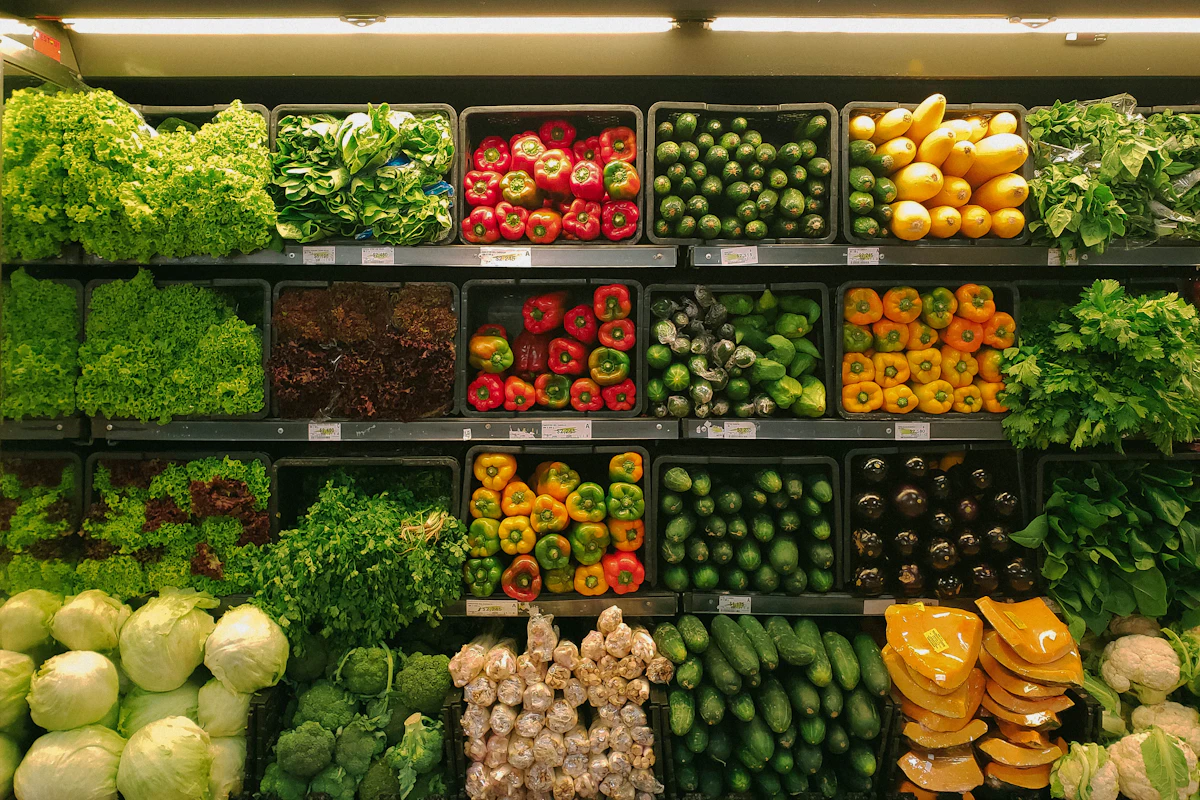
Check shelves and displays
Check visible product counts in a selected shelf area and surface exceptions for store teams.
Explore use caseCount packages and pallets
Use visual counts to check a loading area, staging zone, or packing station against your own rules.
Explore use case
Monitor activity in a zone
Run scheduled checks for selected object classes in a defined camera area.
Explore use case